



By using our website, you agree to the use of cookies as described in our Cookie Policy
Security System Tips & Info in Fort Worth
What to Expect When You Install a Full Home Security System
Most homeowners think security systems are just about stopping break-ins. Cameras up, sensors on, problem solved. But a full installation touches more than your front door — it changes how you interact with your home, how you respond to alerts, and whether you actually feel safer or just more paranoid. Systems don't run themselves. They need setup, maintenance, and a clear understanding of what they can and can't do.
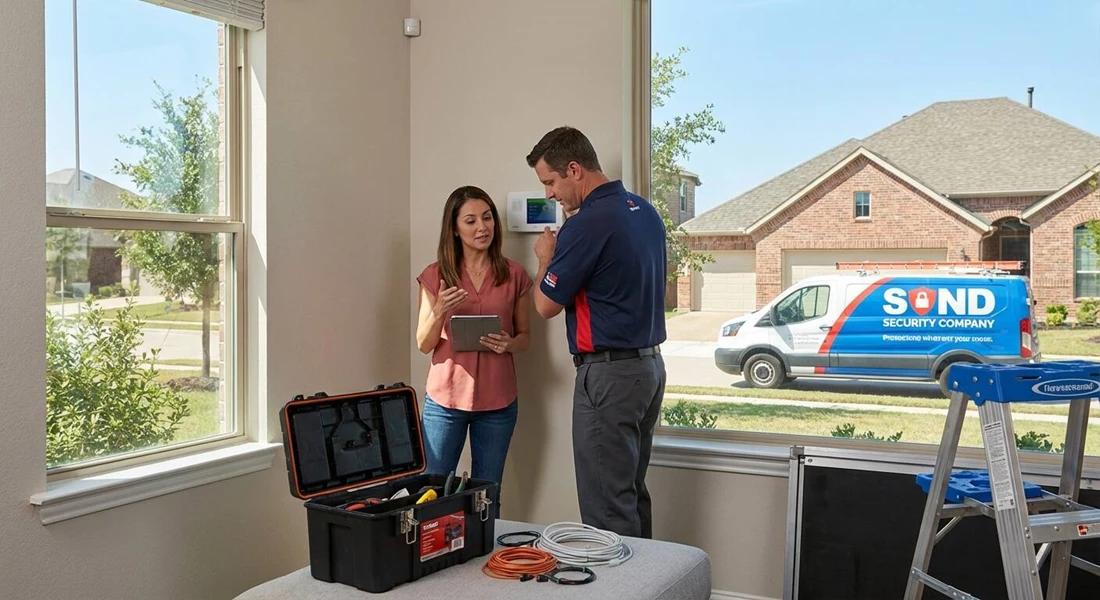
So here's what matters. If you're committing to a full system, expect disruption during install, a learning curve after, and ongoing decisions about monitoring, alerts, and upgrades. Every component should serve a purpose. Every notification needs context. And every security decision should be grounded in how you live — not just what the sales pitch promised.
The Walkthrough Happens First
Before anything gets mounted or wired, someone's coming to your house to look around. Most companies send a tech or consultant who'll evaluate entry points, check sight lines for cameras, and ask about your routines. They're looking for weak spots — back doors without sensors, blind corners in the yard, windows that don't lock right. You'll talk through what you're worried about: burglary, fire, package theft, or just knowing when the kids get home.
This assessment shapes the entire system. If you skip it or rush through it, you'll end up with gear in the wrong places or coverage gaps that don't show up until it's too late. The walkthrough isn't a formality. It's the blueprint.
Picking What Goes Where
Once the plan's in place, you'll choose your hardware. Modern systems are modular, so you're not locked into one setup. You'll build it piece by piece based on what your home actually needs.
- Control panels that let you arm, disarm, and manage everything from one spot
- Door and window sensors that trigger when something opens unexpectedly
- Motion detectors for hallways, basements, or rooms you want monitored while you're away
- Indoor and outdoor cameras with live feeds and cloud storage
- Glass break sensors that catch forced entry even if the door stays locked
- Environmental monitors for smoke, carbon monoxide, and water leaks
- Smart locks and video doorbells that let you see and speak to whoever's outside
You'll also decide between wired and wireless, professional monitoring or self-monitoring through an app. Each choice has trade-offs in cost, flexibility, and how much control you want over alerts.
Install Day Brings the Noise
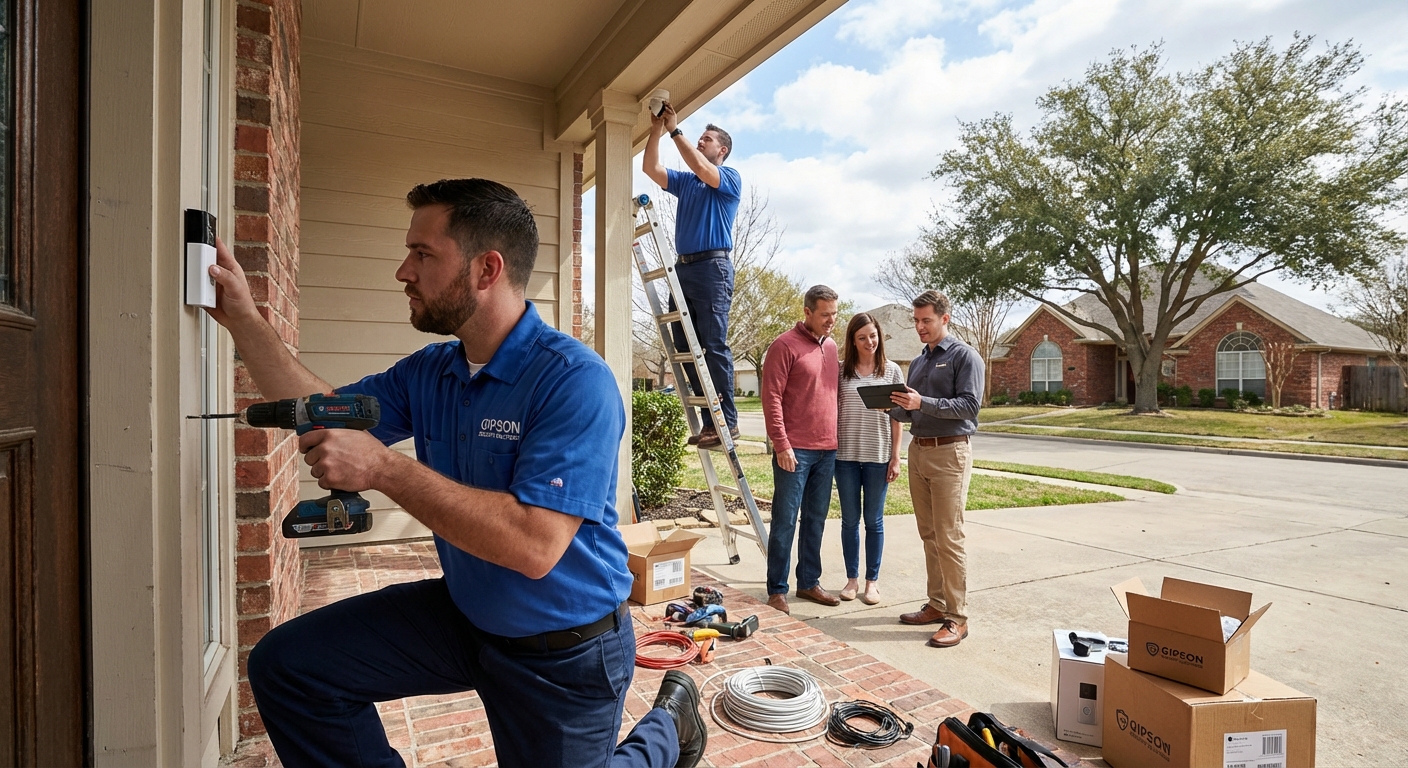
When the installers show up, expect a few hours of drilling, mounting, and testing. They'll place cameras where they get the best angles, run wiring if your system needs it, and sync everything to the control panel. Wireless setups go faster, but wired systems tend to be more reliable long-term — especially for surveillance systems that stream constantly.
The crew will test each sensor, check camera feeds, and make sure motion detectors aren't triggered by your ceiling fan or the dog. Before they leave, they'll walk you through the basics: how to arm the system, how to silence false alarms, and what happens if something actually trips. If you're paying for professional monitoring, they'll confirm the connection to the dispatch center.
Getting It Dialed In Takes Time
After install, you'll spend a few days tweaking settings. User codes get assigned. Alert preferences get adjusted. You'll link the system to your phone and figure out which notifications matter and which ones just clutter your lock screen. Most systems let you automate routines — lights that turn on when motion's detected, locks that engage at bedtime, cameras that only record during certain hours.
If you went with professional monitoring, your system talks to a call center whenever an alarm goes off. They'll try to reach you first, then dispatch emergency services if needed. If you're self-monitoring, it's all on you to check alerts and decide what's real and what's not.
The First Week Feels Weird
There's an adjustment period. You'll forget to disarm before opening the door. You'll get alerts for things that aren't threats — a branch swaying in front of a camera, a sensor that's too sensitive, a motion detector that picks up your cat. You'll learn which zones to bypass, how to silence alarms without calling the monitoring center, and how to pull up camera footage when you need it.
Most systems are designed to be intuitive, but intuitive doesn't mean instant. Give it a week or two before you decide the system's too complicated or not worth it. The learning curve flattens fast once you know what you're doing.
Maintenance Isn't Optional
Wireless sensors run on batteries. Those batteries die. If you ignore low-battery warnings, you'll end up with dead zones in your coverage. Test your system monthly — arm it, trip a sensor, make sure alerts come through. Check camera angles if you've moved furniture or landscaping. Clean lenses if they're fogged or covered in pollen.
- Replace batteries before they fail, not after
- Run system tests to confirm every component's still active
- Update firmware when the app prompts you — security patches matter
- Review camera footage periodically to make sure angles haven't shifted
- Keep contact info current with your monitoring service if you have one
Skipping maintenance is how systems go from reliable to useless. A sensor that doesn't trigger isn't protecting anything.
Monitoring Costs Add Up
If you're paying for professional monitoring, expect a monthly bill. Plans range from basic alarm response to full video monitoring with cloud storage. The more features you want, the higher the cost. Some companies lock you into contracts. Others let you pay month-to-month.
Self-monitoring is cheaper — sometimes free — but it puts the responsibility on you. If you're traveling or asleep when an alert comes in, there's no backup. You'll need to decide whether the peace of mind from professional monitoring is worth the recurring expense.
False Alarms Happen More Than You Think
Even well-tuned systems trip occasionally. A door that didn't latch. A window left cracked. A pet that wandered into a motion zone. If you're on professional monitoring, too many false alarms can result in fines from local police or fire departments. Some cities charge after the third false dispatch in a year.
- Train everyone in the house on how to disarm properly
- Adjust motion sensitivity if pets or airflow keep triggering alerts
- Use bypass modes for zones you know will be active
- Respond quickly to monitoring calls to prevent unnecessary dispatches
False alarms aren't just annoying. They cost money and credibility with emergency services.
Integration Makes It Smarter
Most modern systems play nice with smart home platforms. You can link your security setup to Alexa, Google Home, or Apple HomeKit. That means voice commands to arm the system, routines that lock doors when you say goodnight, or lights that turn on when a camera detects motion.
Integration adds convenience, but it also adds complexity. More devices mean more potential failure points. If your Wi-Fi goes down, so does remote access. If a platform updates and breaks compatibility, you're troubleshooting instead of relaxing. Weigh the benefits against the hassle before you connect everything.
Insurance Breaks and Resale Value
A monitored security system can lower your homeowner's insurance premium. Discounts vary by insurer and location, but five to twenty percent off isn't uncommon. You'll need to provide proof of monitoring and sometimes proof of specific features like smoke detectors or water sensors.
When it comes time to sell, a full security system can be a selling point — especially if it's transferable and the new owner can take over monitoring. Buyers like knowing the infrastructure's already in place. Just don't expect it to add thousands to your home's value. It's a perk, not a game-changer.
Support Matters When Things Break
At some point, something will stop working. A camera goes offline. A sensor won't sync. The app won't load. When that happens, you'll need support that actually picks up the phone. Some companies offer 24/7 tech support. Others make you submit a ticket and wait.
- Check response times before you commit to a provider
- Look for companies with live chat or phone support, not just email
- Ask about warranty coverage for hardware failures
- Find out if they offer on-site service or if you're shipping equipment back
Good support turns a minor inconvenience into a quick fix. Bad support leaves you unprotected while you wait for answers.
Protection That Actually Protects
Installing a full home security system isn't a set-it-and-forget-it move. It's an ongoing commitment to keeping your home monitored, your alerts relevant, and your equipment functional. The payoff isn't just deterring break-ins — it's knowing what's happening at your property whether you're there or not. Professional security services include access control, burglar alarms, and locksmith services to ensure comprehensive protection. But that only works if you stay on top of maintenance, respond to alerts, and adjust settings as your needs change. Security isn't a product you buy once. It's a system you manage.
Ready to Secure Your Home?
We know that choosing and installing a home security system is a big step, but you don’t have to figure it out alone. Let’s work together to make your home safer and your daily routine simpler. If you’re ready to talk options or want expert advice, give us a call at 888-477-5019 or get a free quote and let’s get your home protected the right way.
‹ Back
Recent Posts
-

Access Control Systems in Fort Worth for Managing Employee Entry
September 22, 2026
-
-

-

What Causes Commercial Alarm Systems in Fort Worth to Fail?
August 11, 2026
-